
For enrolled students · Secure payment
Pay Fees Online
Pay your course fees and admission fees using any UPI app (PhonePe, Paytm, Google Pay, BHIM) or by bank transfer. Then send us the payment screenshot on WhatsApp for confirmation and your receipt.
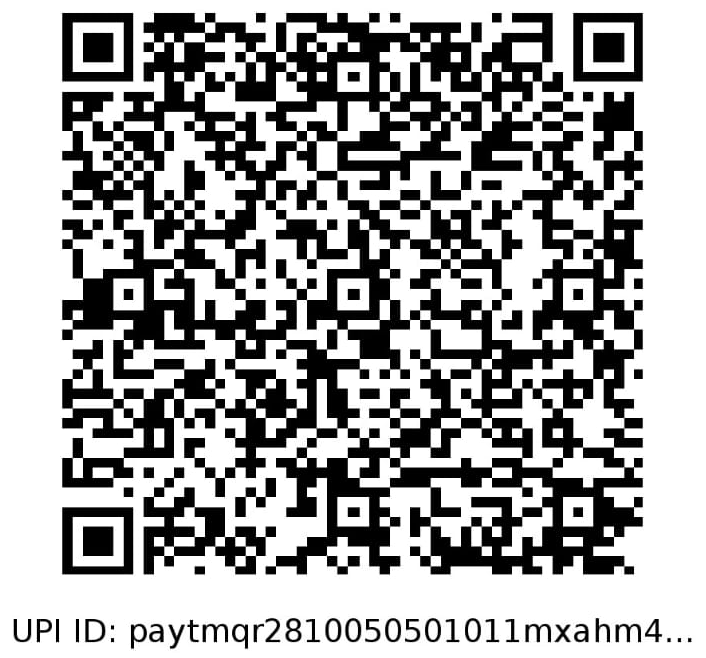
Scan with any UPI app
PhonePePaytmGoogle PayBHIM
PhonePe UPI ID
9731125463@axlPaytm UPI ID
9108763786@ptsbiBank transfer
Account nameNATANIA SCHOOL
BankState Bank of India
BranchAkash Nagar, A Narayanapura, Bangalore 560016
Account number & IFSCRequest on WhatsApp
How to pay
- Open any UPI app such as PhonePe, Paytm, Google Pay or BHIM.
- Scan the QR code or pay to one of the UPI IDs above.
- Enter the amount and add the student’s name and course in the payment note.
- Complete the payment and take a screenshot.
- Send the screenshot on WhatsApp to +91 97311 25463 for confirmation and your receipt.
Payment confirmation: what to send
Student nameCourse applied forPhone numberPayment screenshotTransaction ID
Please mention the student’s name and course while making the payment so we can verify it and process your admission quickly.
Need help with payment? Call +91 97311 25463 or +91 91087 63786, or WhatsApp your payment screenshot.